
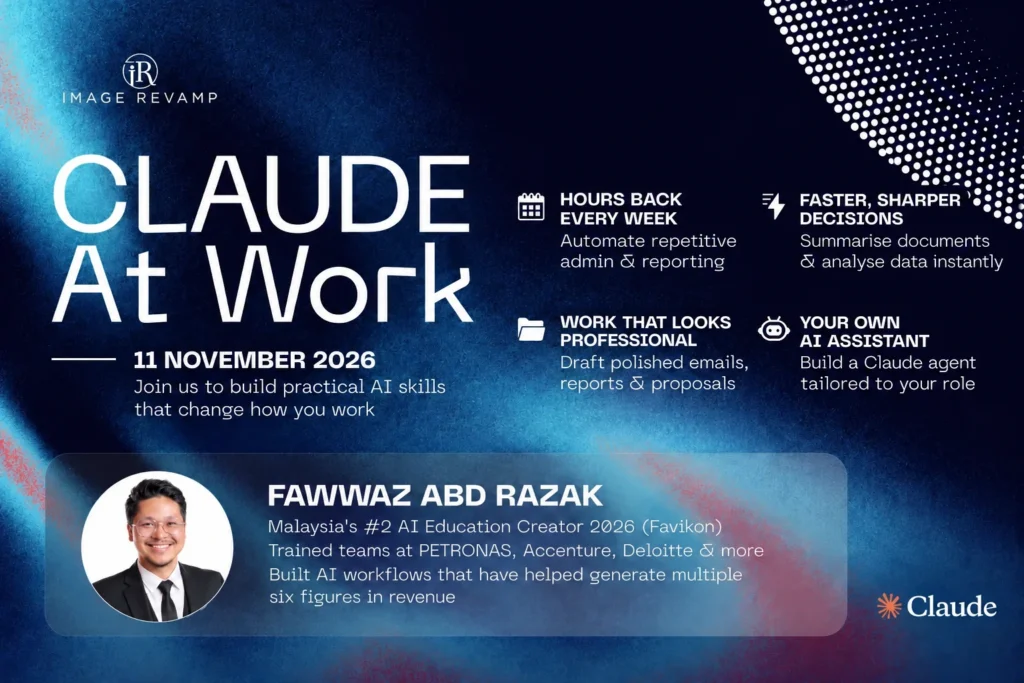

What is Claude at Work?
Claude at Work is a practical one-day public programme where professionals learn to prompt Claude, identify repetitive work worth automating and build a role-specific AI assistant in Claude Projects.
The programme follows one task from start to finish. You will improve a prompt using a clear framework, review the repetitive work in your role, then turn one useful task into a Claude Project with custom instructions and reference material.
Each exercise uses work you already recognise. By the end of the day, you will have built, tested and refined an assistant against real inputs from your role.
Programme fee and registration
Early bird: RM1,199 per person until 16 October 2026. Normal rate: RM1,499 per person.
Group pricing and registration
Groups of 3 or more participants receive 10% off the applicable early bird or normal rate. HRD Corp claimable: Yes. Register using the registration form. Inclusions: TBC.
Who should join this AI programme?
Claude at Work is for professionals who are comfortable using everyday apps and a browser and want a practical way to apply AI to their own work.
No coding background is required. The exercises are suitable for roles that involve recurring documents, communications, analysis or administration.
HR and L&D
Apply the exercises to recurring employee communications, learning material and programme administration.
Marketing and communications
Work with familiar tasks such as content briefs, first drafts and campaign summaries.
Sales and business development
Explore repeatable ways to prepare meeting summaries, follow-up drafts and proposal outlines.
Finance and administration
Review recurring reporting, document preparation and structured administrative tasks.
Legal and professional services
Choose suitable source-based drafting or summarisation tasks and check the output against the reference material.
Team and department leaders
Identify repetitive work in your role and decide which task is worth trying with an AI assistant first.
What will you learn in one day?
You will learn to write clearer prompts, choose the right Claude feature for a task, rank repetitive work and build a Claude Project that you can test and refine.
- Prompt with GCSE: define the Goal, Context, Source and Expectations so Claude has a clearer brief.
- Choose the right feature: understand how chat, Projects and Artifacts fit into the programme exercises.
- Find a useful starting task: rank repetitive work by frequency, time cost and how rule-based it is.
- Build an assistant for your role: create custom instructions with a clear role, inputs, output format and guardrails.
- Check and improve the output: test with real inputs, compare against reliable sources and refine the instructions when the output misses the mark.
What are the programme modules?
The four modules move from prompting and task selection in the morning to building, testing and refining your own Claude Project in the afternoon.
Morning: prompt clearly and choose your task
Module 1
Claude foundations and prompting
- Navigate Claude chat, Projects and Artifacts.
- Use GCSE: Goal, Context, Source and Expectations.
- Learn five practical moves that sharpen a prompt.
- Check AI output against a reliable source.
Hands-on output: one real work prompt rewritten and tested using the GCSE method.
Module 2
Automation Finder: map your repetitive work
- Assess tasks by frequency, time cost and how rule-based they are.
- Run an Automation Finder self-audit on your role.
- Match each task to a suitable tool already available to you.
Hands-on output: a ranked table of repetitive tasks, estimated time savings and a first step for each task.
Afternoon: build, test and refine
Module 3
Build your own AI assistant
- Turn your top-ranked task into a Claude Project brief.
- Define the assistant’s role, inputs, output format and guardrails.
- Write custom instructions and add relevant reference material.
Hands-on output: a working Claude Project for one repetitive task from your role.
Module 4
Practice lab and refinement
- Test the assistant using real inputs and identify where it breaks.
- Refine the instructions based on what went wrong.
- Apply the same approach to a second task.
- Present your assistant and how you intend to use it at work.
Hands-on output: a tested and refined assistant, plus a method you can repeat for another task.
How will the training work?
The day combines trainer demonstration, guided exercises, hands-on practice, live questions and answers, peer sharing and an individual capstone activity.
You will work through the same practical sequence throughout the programme: give Claude a clearer brief, choose a suitable task, build the assistant and test the result. The exercises use examples from your own role.
Meet the trainer: Fawwaz Abd Razak

AI upskilling trainer and consultant
Fawwaz Abd Razak
Fawwaz Abd Razak is the founder of AI Boost Center. His background includes building AI systems and workflows and training the teams that use them. He now helps corporate teams apply AI tools to everyday work through practical, hands-on training.
He has delivered AI training for teams at PETRONAS, Accenture, Deloitte, Air Selangor, ADA Global, Hong Leong Bank, Malaysia’s Ministry of Health and the Prime Minister’s Department.
For Claude at Work, he takes participants through prompting, task selection, building a role-specific Claude Project and testing it with real work examples.
View LinkedIn profileFrequently asked questions
Is Claude at Work open to the public?
Yes. Claude at Work is a one-day public programme on 11 November 2026 at the Power Room, Co-Labs Nu Sentral. Register using the registration form.
Do I need coding experience?
No coding background is required. The programme assumes you are comfortable using everyday apps and navigating a web browser.
What will I build during the programme?
You will build and test a Claude Project for one repetitive task from your own role, using custom instructions and relevant reference material.
What is the GCSE prompting method?
GCSE stands for Goal, Context, Source and Expectations. It gives you a structured way to explain the task, provide useful background and source material, and describe the output you need.
Do I need a Claude account or a paid plan?
TBC. Account, plan and access requirements will be confirmed before the programme.
When and where will the programme take place?
11 November 2026, 9am–5pm, at the Power Room, Co-Labs Nu Sentral. Attendance is in person.
How much does the programme cost?
The early bird rate is RM1,199 per person until 16 October 2026. The normal rate is RM1,499 per person. Groups of 3 or more receive 10% off the applicable rate. Inclusions: TBC.
Is this programme HRD Corp claimable?
Yes. Claude at Work is HRD Corp claimable.
What should I bring?
Participant requirements: TBC. The exercises will use suitable examples from your role. Use non-sensitive material unless you have permission to share it with the AI tool.
How do I register?
Register using the registration form.
Programme details
Claude at Work takes place on 11 November 2026, 9am–5pm, at the Power Room, Co-Labs Nu Sentral.
| Programme | Claude at Work |
|---|---|
| Topic | From Everyday Prompting to Your Own AI Agent |
| Date | 11 November 2026 |
| Time | 9am–5pm |
| Duration | 1 day |
| Venue | Power Room, Co-Labs Nu Sentral |
| Attendance format | In person |
| Trainer | Fawwaz Abd Razak |
| Programme fee | RM1,499 per person (normal rate) |
| Early bird / group pricing | RM1,199 per person until 16 October 2026. Groups of 3 or more receive 10% off the applicable early bird or normal rate. |
| Registration link | registration form |
| HRD Corp claimability | Yes |
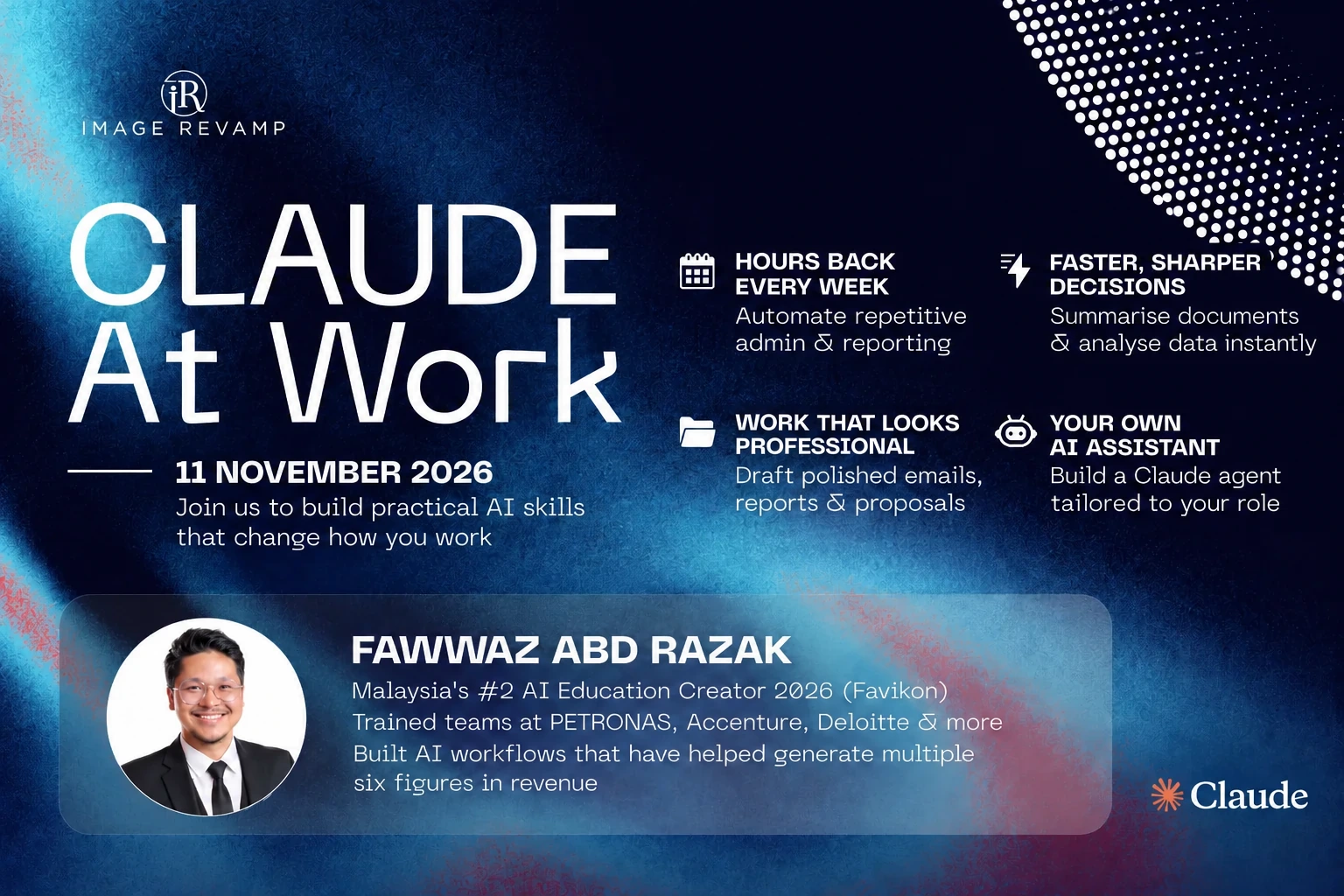
Build an AI assistant around work you already do
Learn to prompt with a clearer brief, identify a useful repetitive task and build a Claude Project that you can test and keep refining after the programme.
Register NowLimited Slots available.